Android
Native app for phone and tablet. Dual playback engine with on-demand transcoding as a safety net, "continue watching" with locally saved progress, PIN parental controls, and a fully multi-language interface.
Client apps
KiraTV is KiraStream's client app: phone, TV and browser, with an interface built for remote-control navigation from the very first pixel. And from your phone, send any content to any Smart TV with a tap - nothing to install on it.
Native app for phone and tablet. Dual playback engine with on-demand transcoding as a safety net, "continue watching" with locally saved progress, PIN parental controls, and a fully multi-language interface.
Interface redesigned for remote-control navigation, with focus-based movement and no need for a mouse. Same catalog, same profile, same "continue watching" as on mobile.
Native app for Samsung Smart TVs, with explicit backward compatibility for older models that no longer receive updates on other platforms.
Native app for LG Smart TVs, same philosophy as Samsung: compatible with older TV sets and 100% remote-control-first navigation.
A web player for your customers: nothing to install, works on any computer, and can be added to the home screen like any other app.
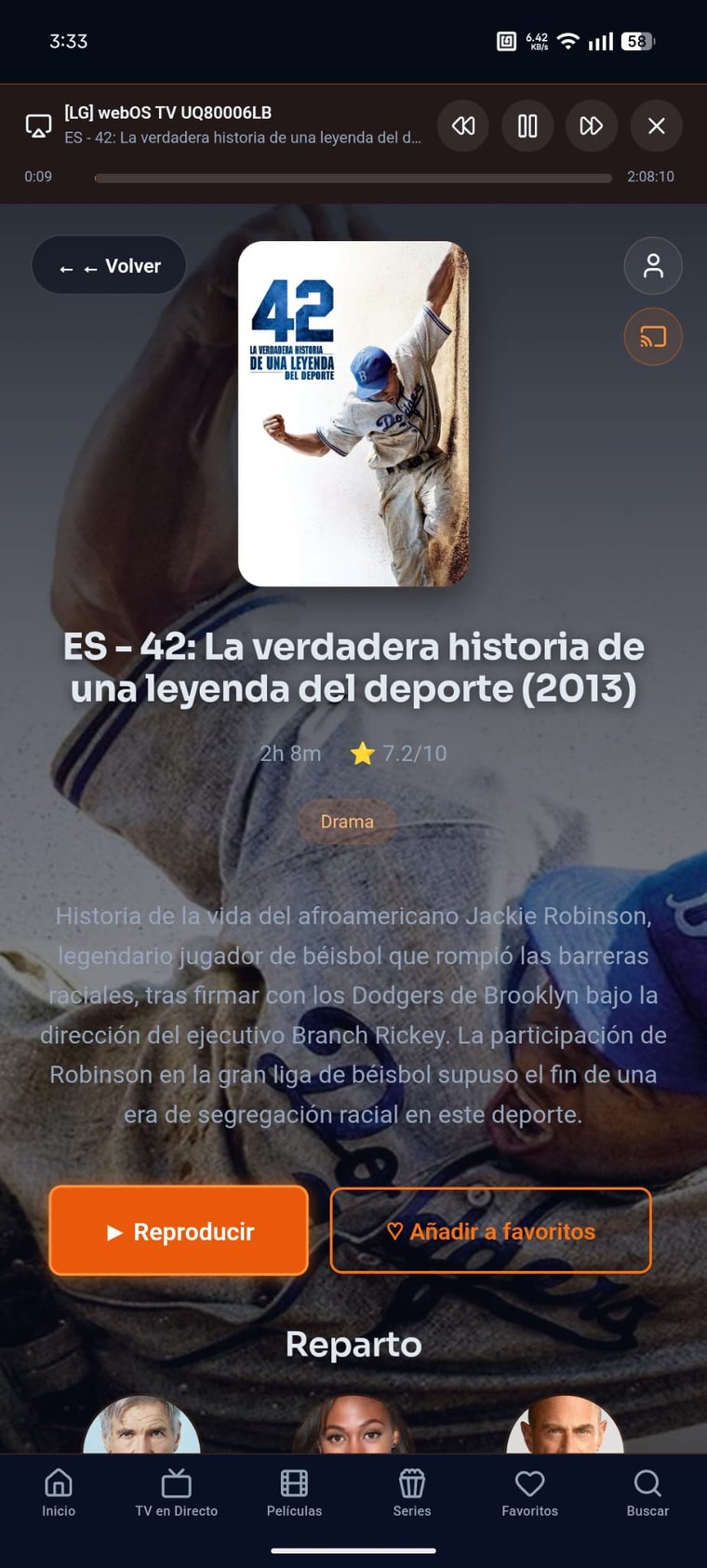
Almost every modern Smart TV (Samsung, LG, Sony, Philips, Hisense, TCL...) ships with a built-in DLNA/UPnP receiver. KiraTV puts it to use: tap the send-to-TV icon, pick the television from the list, and that's it - live TV, movies and series start playing right there, no Chromecast, no Google account, and nothing to touch on the TV itself.
Compatibility
KiraStream speaks the Xtream Codes protocol, so it works with any traditional IPTV player your customer already has installed. But with the official KiraTV app and its own API, you unlock features a generic player simply can't offer.
QR remote control, "watching now", cross-device continue watching and more - standard on the official apps, impossible on a generic player.
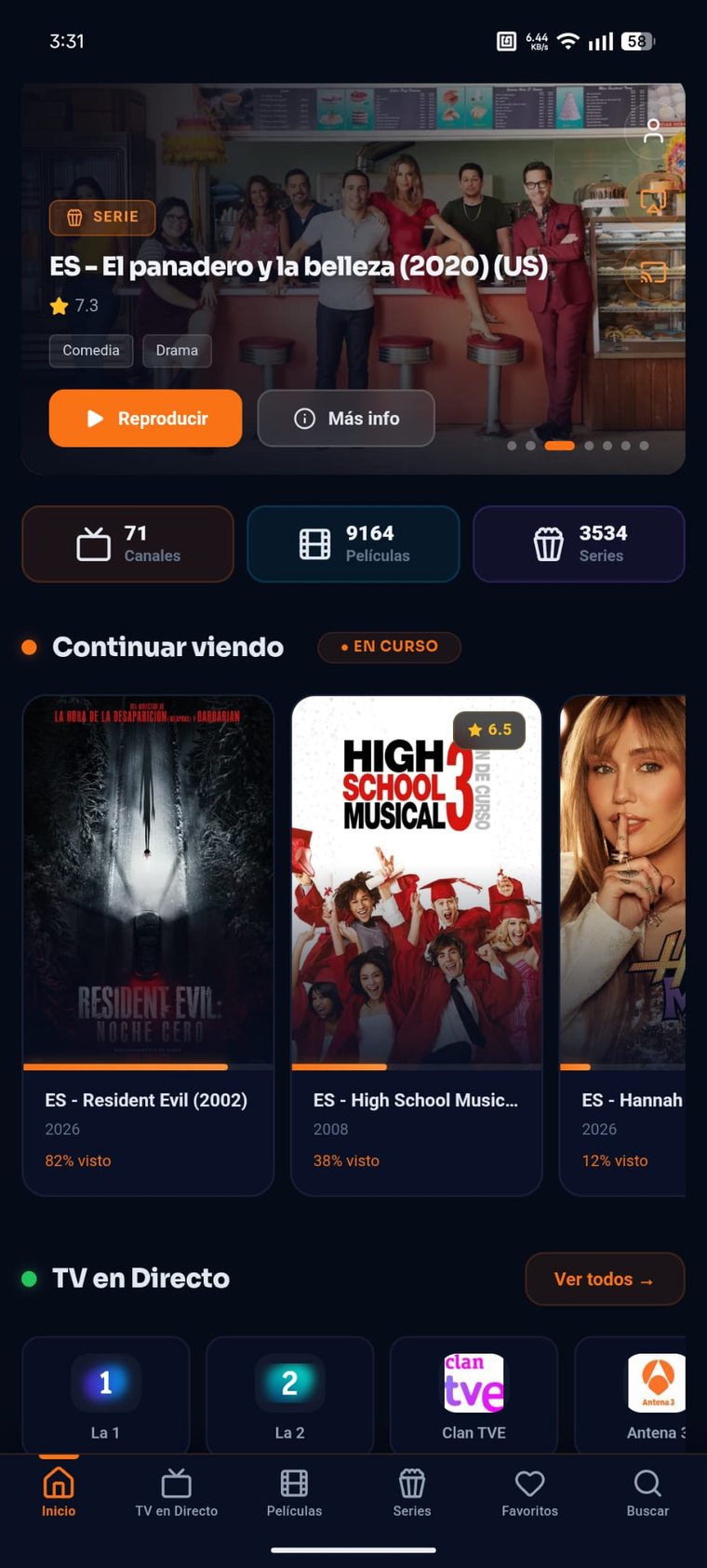
On mobile
On the TV
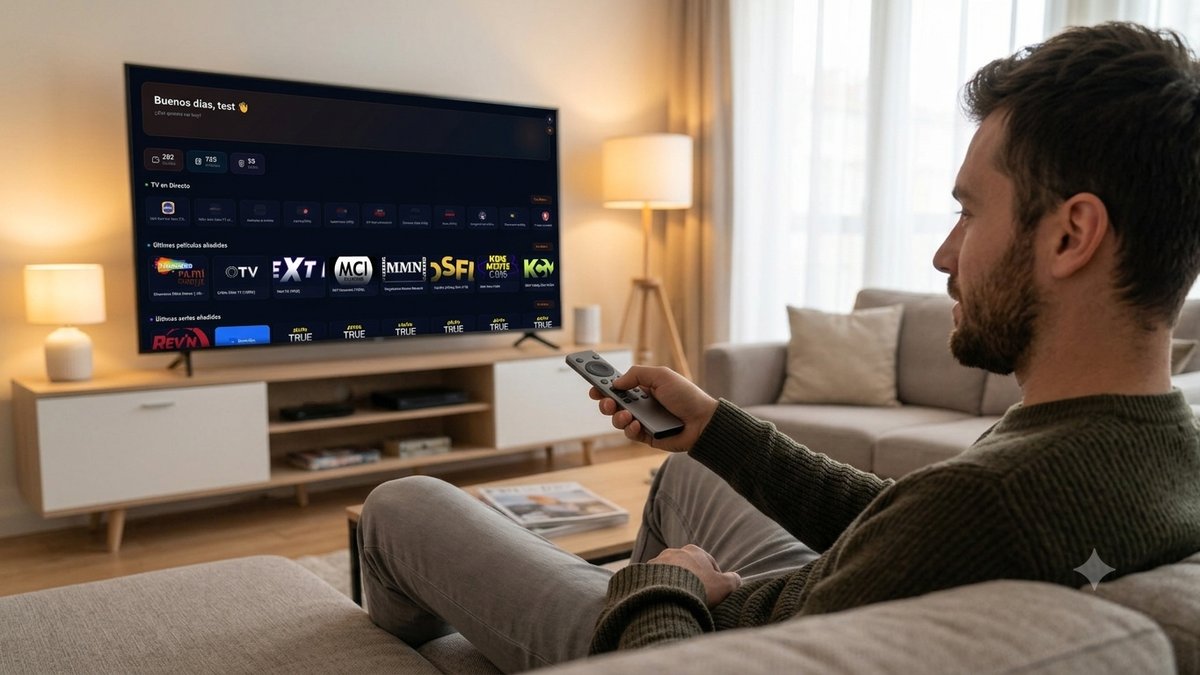
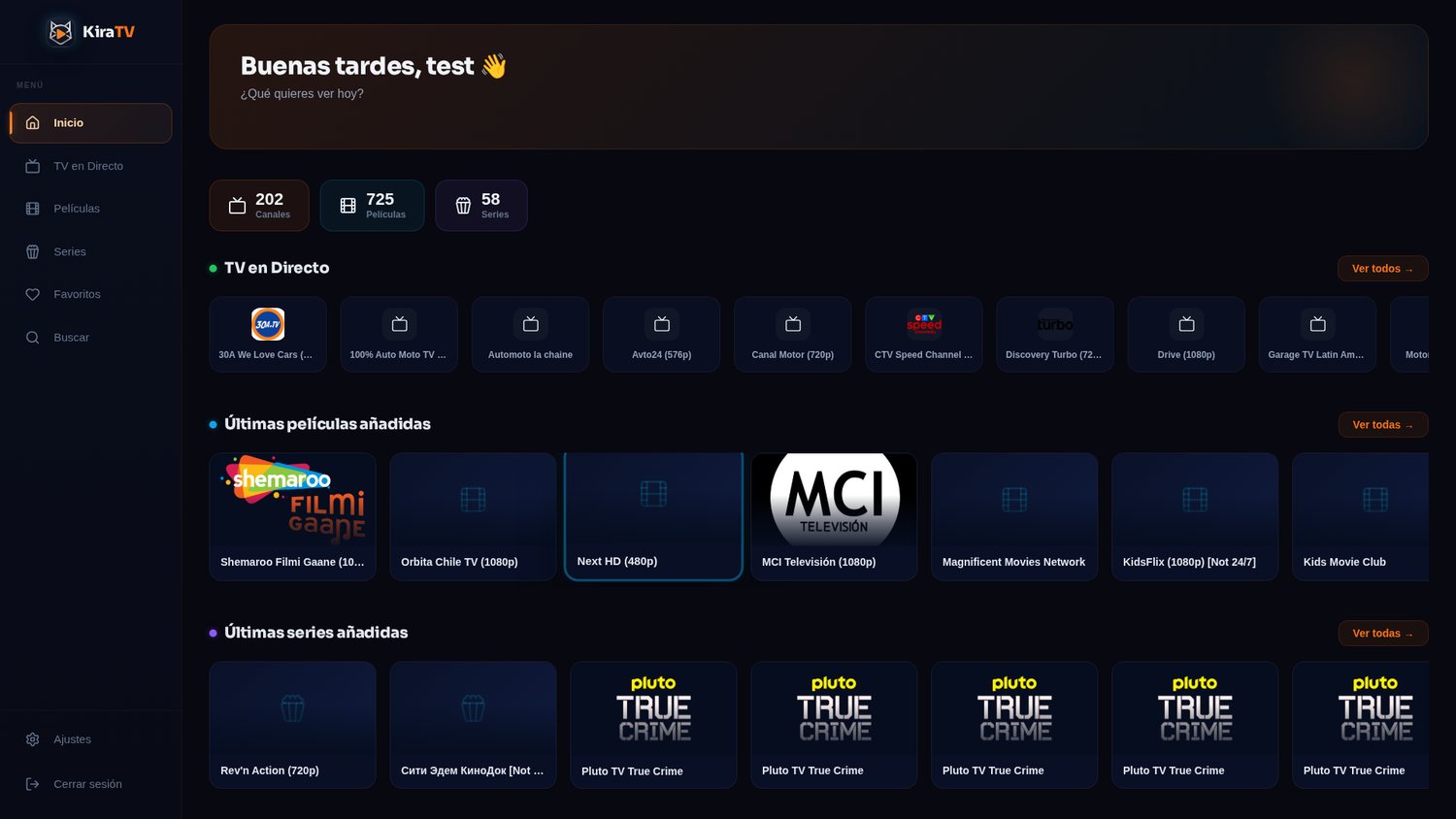
Home: catalog, live TV and new additions at a glance
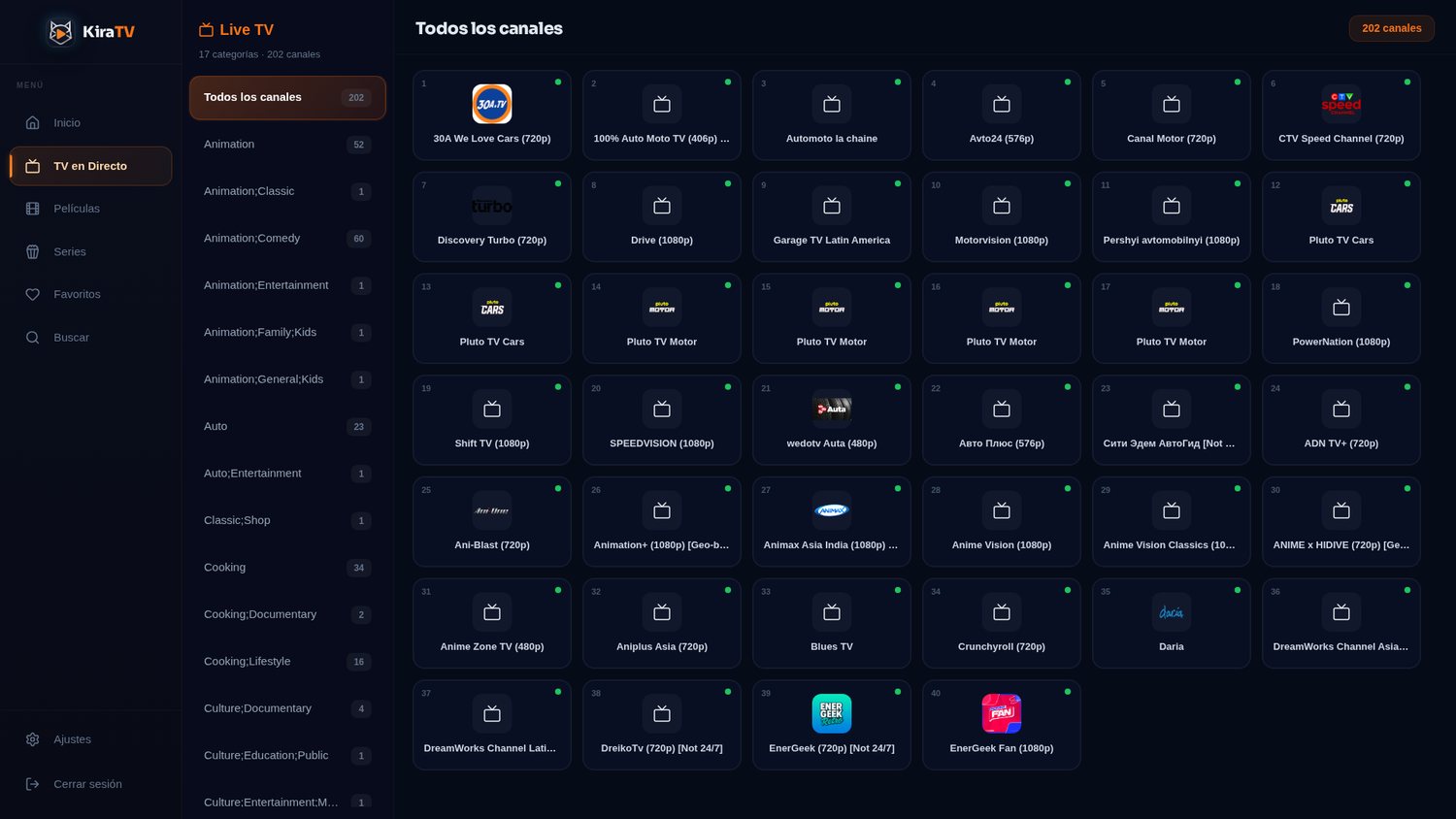
Live TV: categories and channels with thumbnails
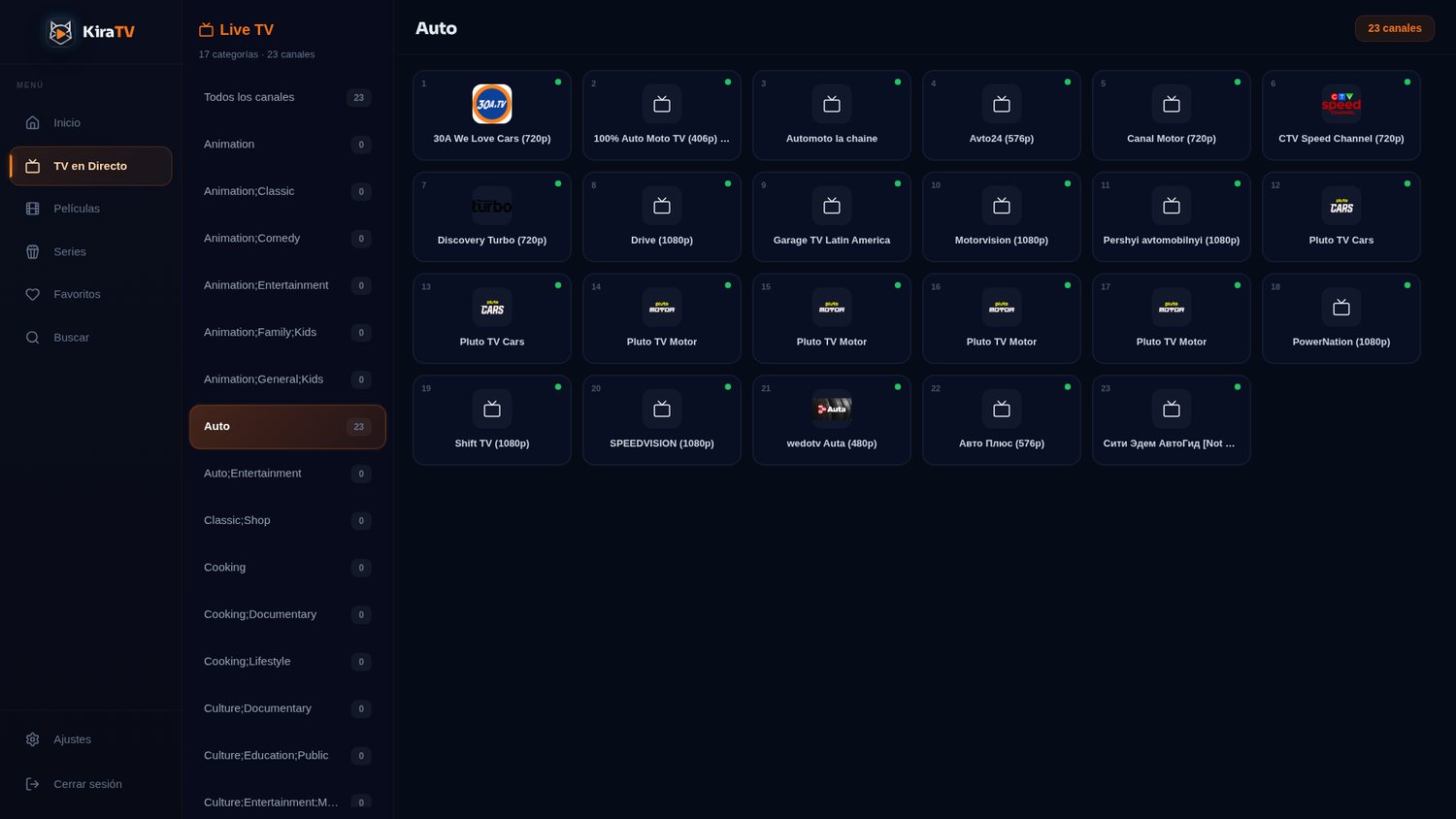
Category filtering, fully navigable with the remote
Ecosystem
These aren't separate apps that just happen to share a name - it's one ecosystem. From the phone, your customers pair by QR code and use Android as a real remote control for the TV, with the same catalog and the same "continue watching" everywhere.
Your customer opens KiraTV on the TV, scans the QR code with their phone, and from that moment the phone becomes a remote: it browses the catalog, types with the phone's keyboard instead of the physical remote's arrows, and controls playback remotely.
One login, one catalog, one "continue watching" - no matter which screen they started watching on.
Note: this is different from "Send to TV" (above) - QR remote control operates the KiraTV app itself installed on the television; Send to TV sends the content to any Smart TV with DLNA, even if it doesn't have the app installed.